playTIME H35 사용자 설명서
53
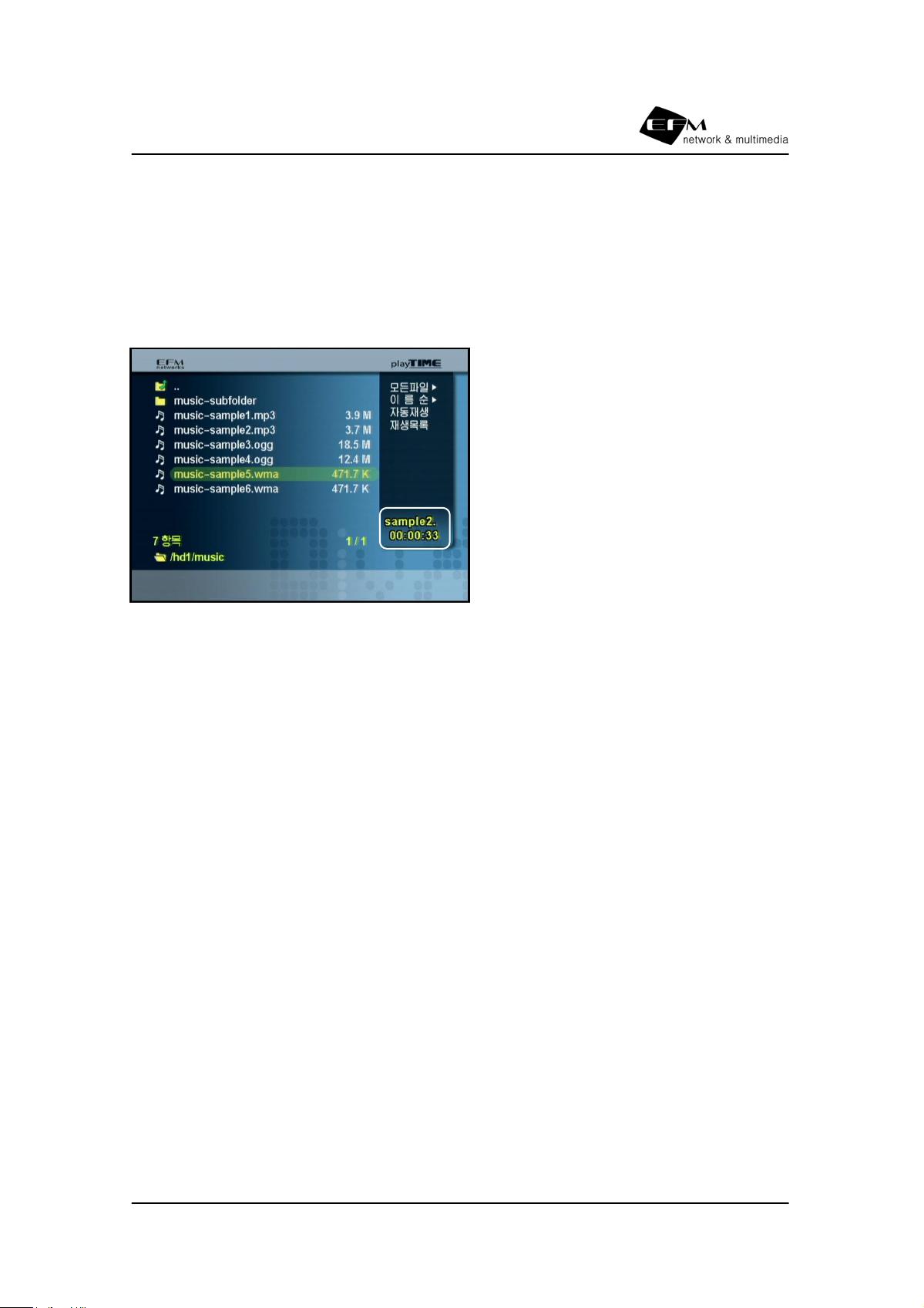
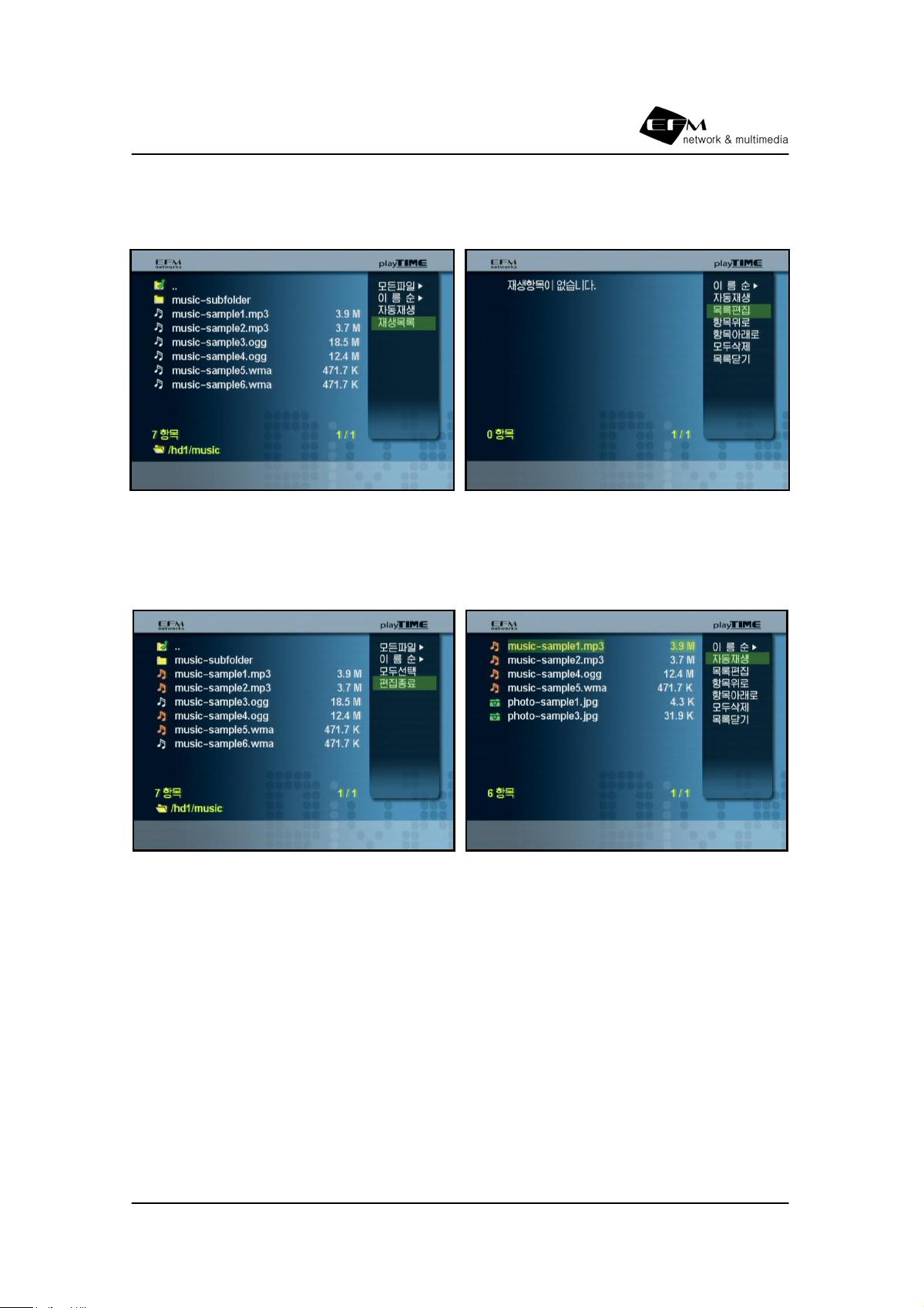
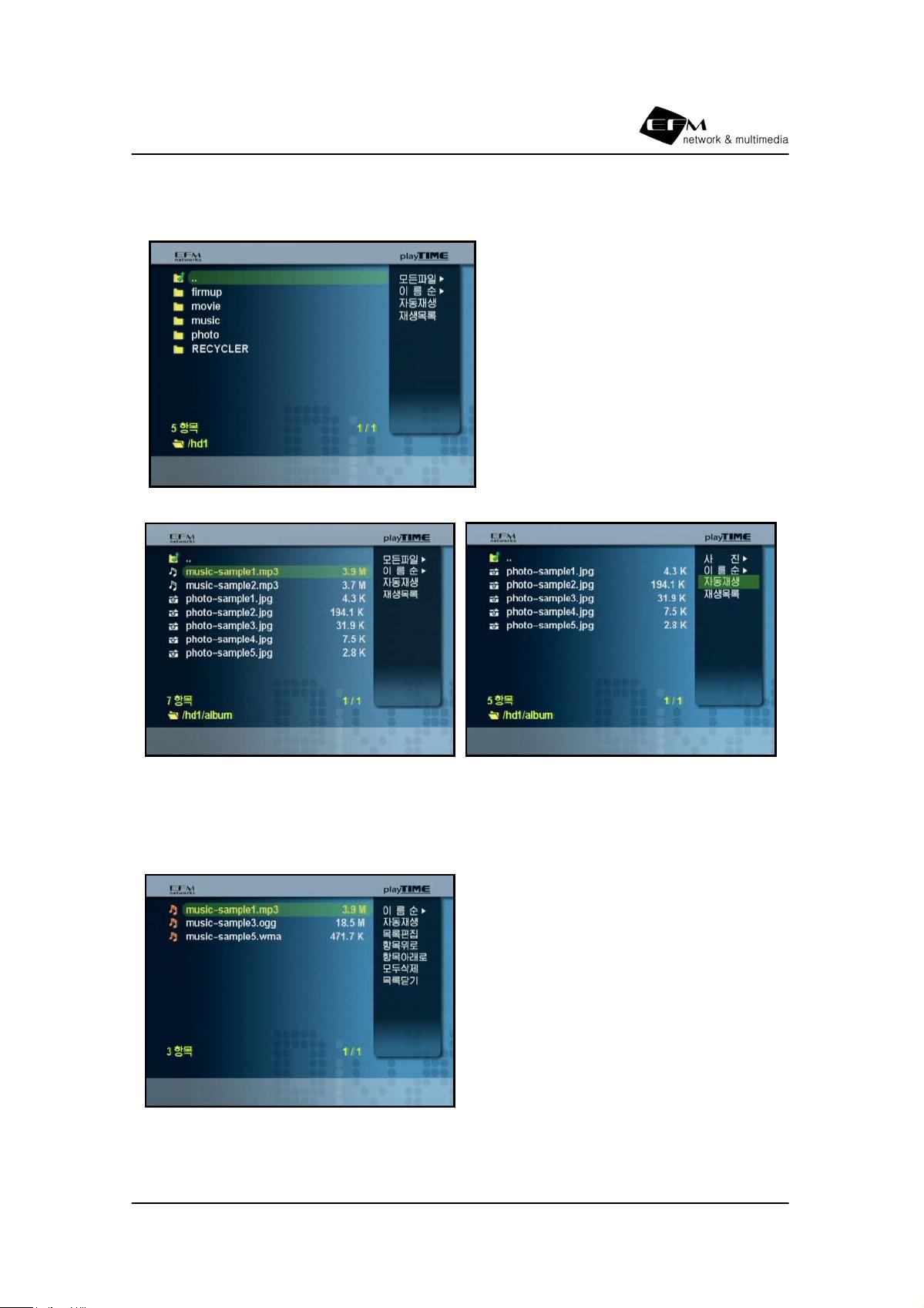
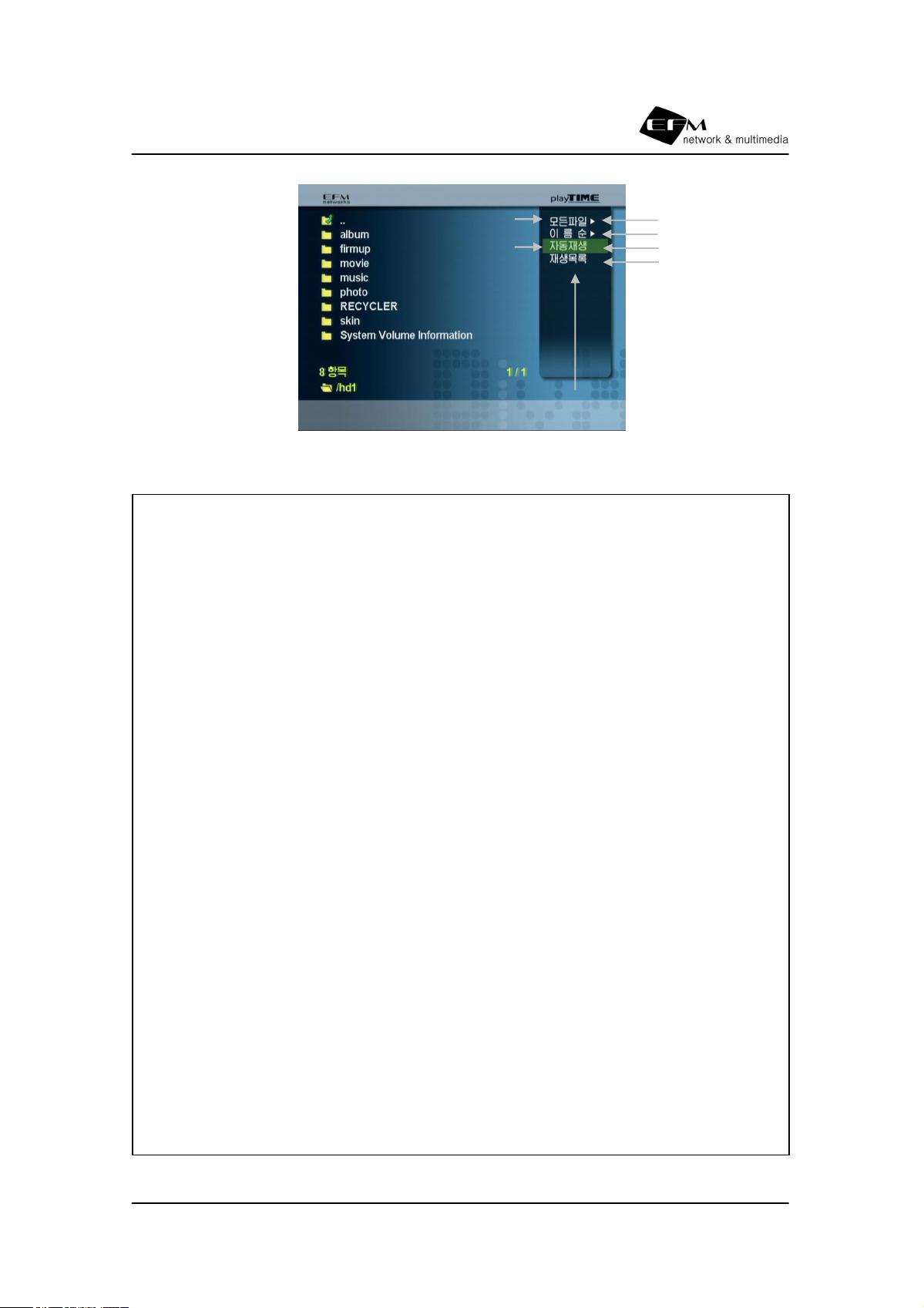
다음 기본스킨 내용중에서 메뉴타입을 좌측 텍스트 타입으로 변경한 경우 입니다.
텍스트타입 메뉴를 사용하는 경우에는 ‘MenuTextProperty’ 태그가 추가되어야 합니다.
<property name="MenuType" content1="Left" />
… (중략)
<property name="FirstMenuPosition" posX="532" posY="58" />
<property name="MenuTextProperty" color="#ffffff" transparency="#ff"
bgcolor="#000000" bgtransparency="#00" outline="#000000"/>
… (중략)
<text name="MediaAll" content1="All File" content2="모든파일" />
<text name="MediaMovie" content1="Media(Movie)" content2="미디어(영화)" />
<text name="MediaMusic" content1="Media(Music)" content2="미디어(음악)" />
<text name="MediaPhoto" content1="Media(Photo)" content2="미디어(사진)" />
… (중략)
<text name="SelectAll" content1="Select All" content2="모두선택" />
<text name="DoneEditList" content1="Done" content2="편집종료" />
<icon name="SortRandom" width="128" height="24"
content1="/img/en/m_e_random.jpg"
content2="/img/kr/m_random.jpg" />
<icon name="Play" width="128" height="24"
content1="/img/en/m_e_play.jpg"
content2="/img/kr/m_play.jpg" />
<icon name="PlayList" width="128" height="24"
content1="/img/en/m_e_playlist.jpg"
content2="/img/kr/m_playlist.jpg" />
<icon name="EditPlayList" width="128" height="24"
content1="/img/en/m_e_editlist.jpg"
content2="/img/kr/m_editlist.jpg" />
<icon name="ItemUp" width="128" height="24"
content1="/img/en/m_e_itemup.jpg"
content2="/img/kr/m_itemup.jpg" />
<icon name="ItemDown" width="128" height="24"
content1="/img/en/m_e_itemdown.jpg"
content2="/img/kr/m_itemdown.jpg" />
<icon name="DeleteAll" width="128" height="24"
content1="/img/en/m_e_delall.jpg"
content2="/img/kr/m_delall.jpg" />
<icon name="ClosePlayList" width="128" height="24"
content1="/img/en/m_e_closelist.jpg"
content2="/img/kr/m_closelist.jpg" />
<icon name="SelectAll" width="128" height="24"
content1="/img/en/m_e_selall.jpg"
content2="/img/kr/m_selall.jpg" />
<icon name="DoneEditList" width="128" height="24"
content1="/img/en/m_e_doneedit.jpg"
content2="/img/kr/m_doneedit.jpg" />
</area>